HP L92718-ND1 X156NVF8 R0 15.6" Privacy Screen

Request Bulk Quote Are you tax exempt? Display Tech Support Shipping from USA
- SKU:
- B268010-2368
- Condition:
- New
- Availability:
- In stock ready to ship from Union City, NJ USA
- Shipping:
- Real-time Shipping Charges
 International Shipping
- Looking for Local Pick-Up - Print this Pick-Up Slip







Description
Order Pre-Verification Strongly Recommended.Does it ✓ FIT your system? [Use our Pre Verification help.]
|
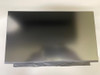
- Brand: Non Touch Screen
- Size: 15.6"

- Resolution: Full HD
- Pixels: 1920 x 1080
- Backlight Type: LED
- Backlight Lamp: DIODE
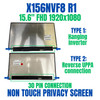
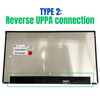
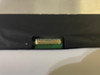
- Connector: Reverse Uppa
- Pin Connection: 30 Pins
- Side: Bottom Right
- Frame: Narrow Frame
- Finish: Matte/Glossy write in checkout note. Avoid RMA Fees.
- Condition: NEW
- Refresh Rate: 60Hz
- Commodity: Non Touch Screen
- Technology: Ambient Light Sensor Incl, Non Touch, Privacy
- Dead Pixel Policy: In Accordance with ISO 13406-2 norm.
- Source: Factory Direct
- Packaging: Fragile Customized Package
- Compatibility: OEM
- Warranty Information: Covered by 30-day replacement warranty.
Board Connections: Why They re Sometimes Hidden
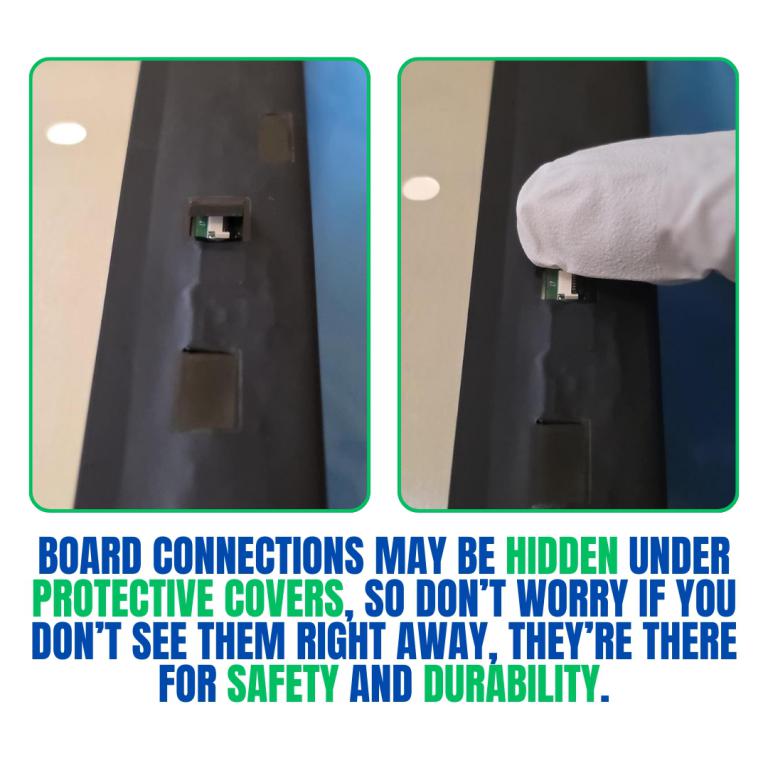
When replacing or upgrading a laptop screen, you may notice that the board connection isn t always visible at first glance. This can cause confusion, especially if you expect the connector to be in plain sight.
Why Are Board Connections Hidden?
- Protective Design: Many manufacturers tuck the board connection behind a shield or under a cover to protect it from dust, damage, or accidental pulls.
- Slimmer Profiles: With today s thin and light laptops, hiding connections allows for sleeker designs and stronger frame structures.
- Safety & Durability: A hidden connection reduces stress on the cable, helping prevent loose contacts or wear over time.
What This Means for Screen Replacement
Videos
View AllClose
Display Upgrade - Downgrade Experiments
Considering upgrading your existing screen (e.g., 60Hz → 144Hz, FHD → QHD or 4K)?
While some upgrades are possible, they come with compatibility risks — even if the connector matches.
At Bliss Computers, we can help by checking connector compatibility (if in stock) and sharing any known upgrade history.
Do I Need a New Screen?
Related Products
Related Products


X-bright 15.6" FHD Laptop LCD Screen IVO X156NVF8 R0 Privacy 30 pin L92718-ND1

X-bright 15.6" FHD Laptop LCD Screen IVO X156NVF8 R1 Privacy 30 pin M08134-ND1