

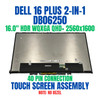
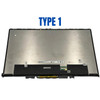
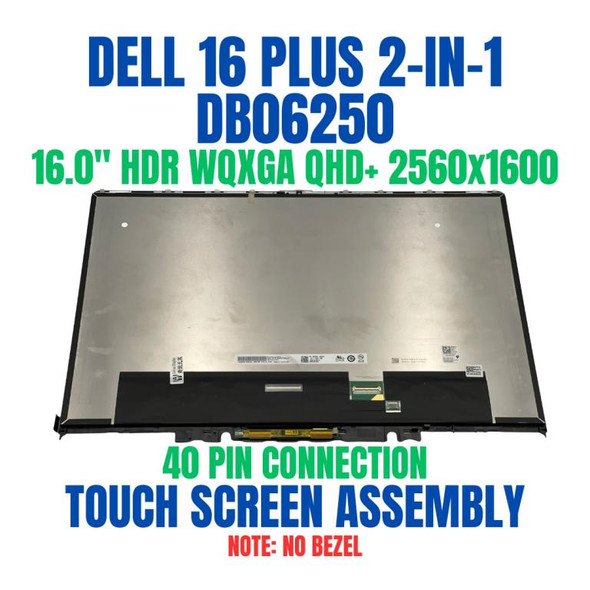
Dell 37CR5 16" 2560x1600 40 Pin WQXGA QHD+ Touch Screen Assembly

Request Bulk Quote Are you tax exempt? Display Tech Support Shipping from USA
- SKU:
- B1360195-3997
- Condition:
- New
- Availability:
- In stock ready to ship from Union City, NJ USA
- Shipping:
- Real-time Shipping Charges
 International Shipping
- Looking for Local Pick-Up - Print this Pick-Up Slip








To see a printable version of listed Display click here
Description
- Size: 16"

- Resolution: WQXGA QHD+
- Pixels: 2560 x 1600
- Backlight Type: LED
- Backlight Lamp: DIODE
- Pin Connection: 40 Pins
- Side: Bottom Right
- Finish: Matte/Glossy write in checkout note. Avoid RMA Fees.
- Condition: NEW
- Commodity: Touch Screen Assembly-No Bezel
- Technology: ComfortView Plus, HDR, Touch
- Dead Pixel Policy: In Accordance with ISO 13406-2 norm.
- Source: Factory Direct
- Packaging: Fragile Customized Package
- Compatibility: OEM
- Warranty Information: Covered by 30-day replacement warranty.
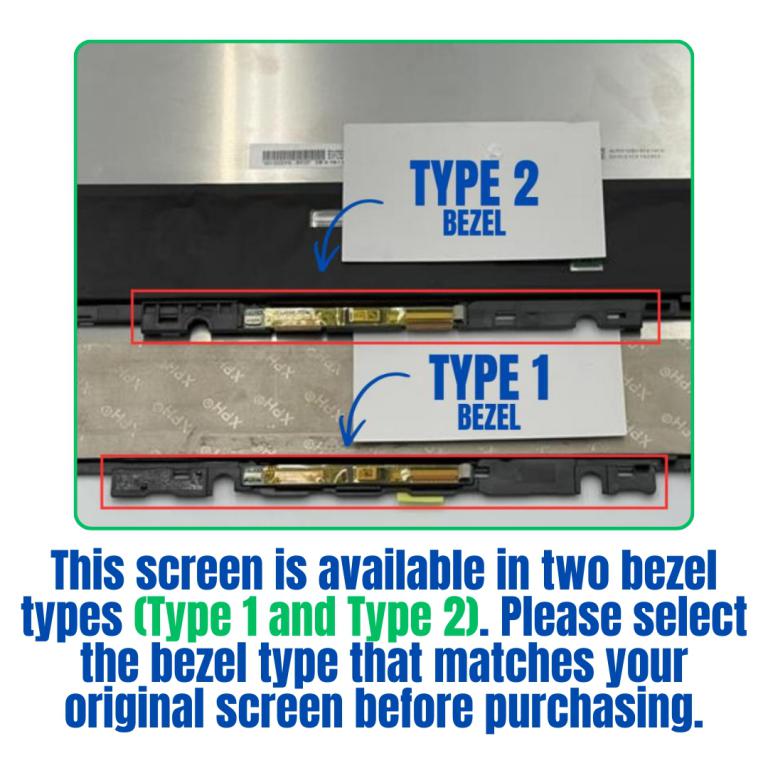
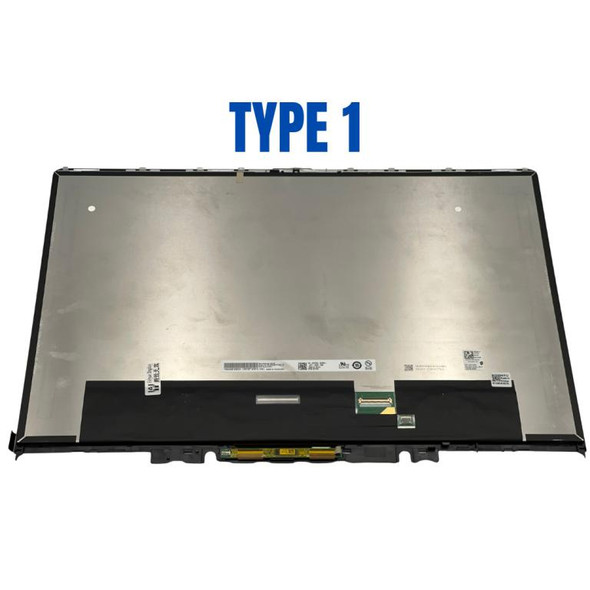
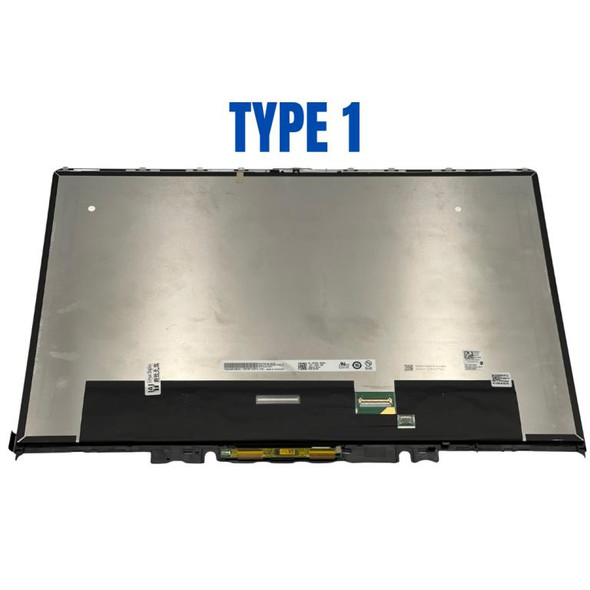
This screen is available in two bezel types (Type 1 and Type 2).
Please make sure to select the bezel type that matches your original screen before purchasing.
If you are not sure which bezel type your screen uses, please let us know. We can also ship the screen without a bezel, allowing you to reuse and transfer your existing bezel casing. If you do not know the bezel type, you may purchase the screen without a bezel and install your existing bezel yourself.
Please follow our general guide for transferring the bezel casing
How to Replace Existing Bezel and Digitizer Card
https://www.blisscomputers.net/how-to-replace-existing-bezel-and-digitizer-card/This guide explains the basic process for removing and reinstalling the bezel and digitizer components.
Display Without Bezel Casing & Digitizer Board
This listed display comes without the bezel casing and digitizer board. Installation requires proper tools to carefully remove the existing digitizer board and bezel casing from your old screen and transfer them to the new display. Its recommended that this process be done by a senior technician for the best results.
You may refer to the video here.
Videos
View AllClose
Display Upgrade - Downgrade Experiments
Considering upgrading your existing screen (e.g., 60Hz → 144Hz, FHD → QHD or 4K)?
While some upgrades are possible, they come with compatibility risks — even if the connector matches.
At Bliss Computers, we can help by checking connector compatibility (if in stock) and sharing any known upgrade history.
Do I Need a New Screen?
Related Products
Related Products
Dell T3GX2 16" 2560x1600 40 Pin WQXGA QHD+ Touch Screen Assembly
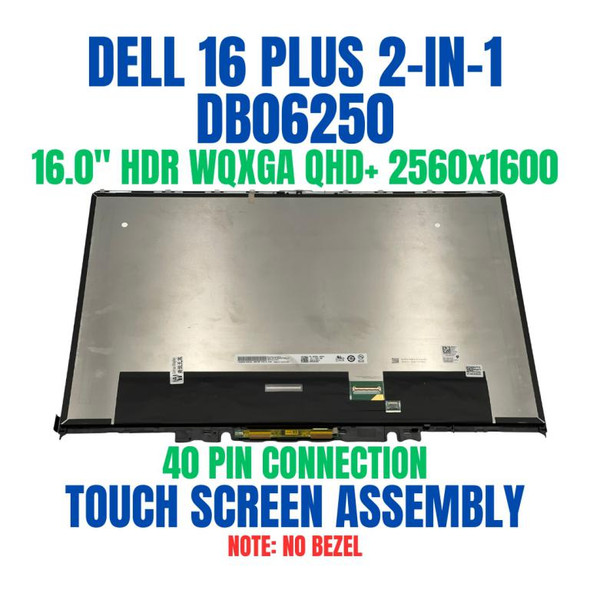
Dell 16 Plus 2-in-1 DB06250 16" 2560x1600 40 Pin WQXGA QHD+ Touch Screen Assembly


Dell 3JDT2 16" 2560x1600 240Hz HDR Non Touch WQXGA QHD+ 40 Pin Screen

