

Dell LCD PB14250S 14.0" 1920x1200 Non Touch Screen FHD+ WUXGA

Request Bulk Quote Are you tax exempt? Display Tech Support Shipping from USA
- SKU:
- B1310144-3860
- Condition:
- New
- Availability:
- In stock ready to ship from Union City, NJ USA
- Shipping:
- Real-time Shipping Charges
 International Shipping
- Looking for Local Pick-Up - Print this Pick-Up Slip










To see a printable version of listed Display click here
Description
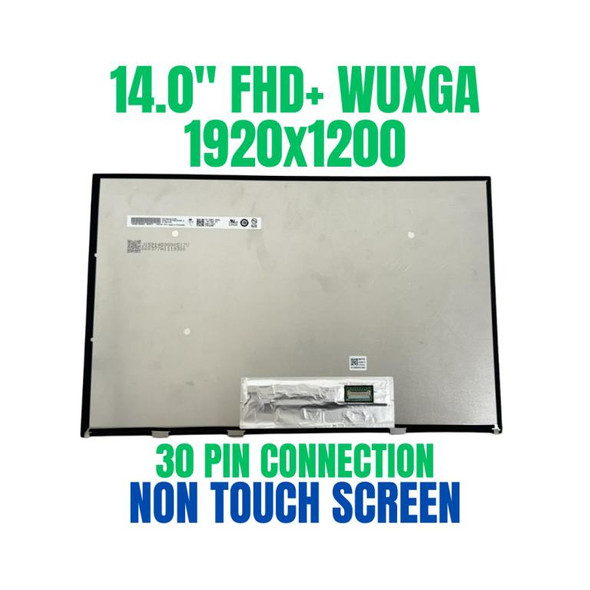
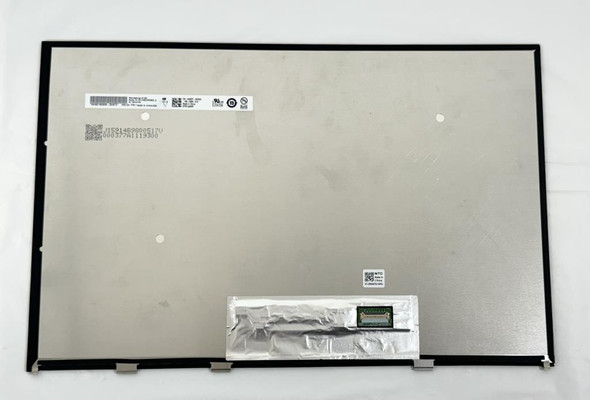
.Dell LCD PB14250S 14.0" 1920x1200 Non Touch Screen FHD+ WUXGA
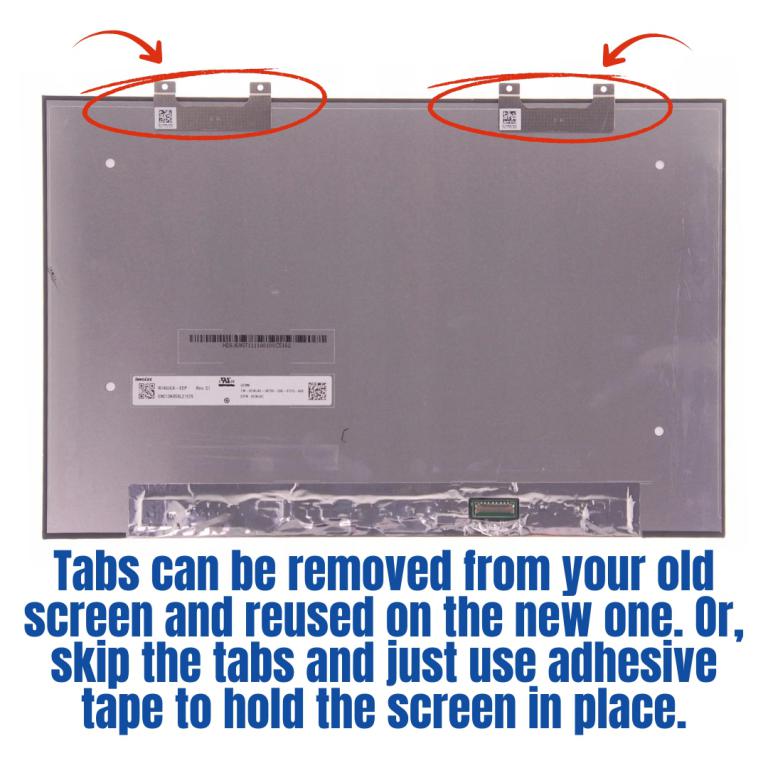
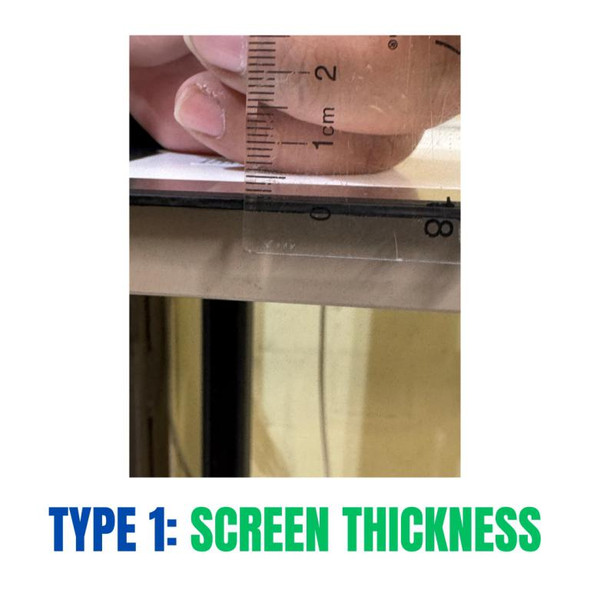
If you prefer not to deal with tabs, you can simply use strong adhesive tape. Tape will hold the new screen firmly without needing the original tabs. This method is quicker and easier for many customers.
View AllClose
Order Pre-Verification Strongly Recommended.Does it ✓ FIT your system? [Use our Pre Verification help.]
|
- Size: 14.0"

- Resolution: FHD+ WUXGA
- Pixels: 1920 x 1200
- Backlight Type: LED
- Backlight Lamp: DIODE
- Signal Interface: eDP1.2 Connector
- Connector: Reverse Uppa
- Pin Connection: 30 Pins
- Side: Bottom Right
- Frame: Micro Edge
- Condition: NEW
- Commodity: Non Touch Screen
- Technology: Non Touch
- Dead Pixel Policy: In Accordance with ISO 13406-2 norm.
- Source: Factory Direct
- Packaging: Fragile Customized Package
- Compatibility: OEM
- Warranty Information: Covered by 30-day replacement warranty.
Title - PB14250S 14.0"
Screen Tabs Information
Option 1: Reuse Tabs
- Carefully remove the tabs from your existing screen.
- Transfer them to the new screen to hold it securely in place.
- This keeps the installation similar to the original setup.
Option 2: Use Adhesive Tape Instead
Videos
View AllClose
Display Upgrade - Downgrade Experiments
Considering upgrading your existing screen (e.g., 60Hz → 144Hz, FHD → QHD or 4K)?
While some upgrades are possible, they come with compatibility risks — even if the connector matches.
At Bliss Computers, we can help by checking connector compatibility (if in stock) and sharing any known upgrade history.
Do I Need a New Screen?
Work On Data Cable
Work On Display Setting
Work On Software
Work On Screen Calibration
Work On Data Cable (Non Touch) / Digitizer Card (Touch Screen)
Buy New Screen
Buy New Screen + Work On Data Cable
Buy New Screen
Related Products
Related Products


Dell 391-BJRX 14.0" 1920x1200 Non Touch Screen FHD+ WUXGA
₹9,215.06
.Dell 391-BJRX 14.0" 1920x1200 Non Touch Screen FHD+ WUXGA

Dell 7JXYD 14.0" 1920x1200 Micro Edge Non Touch Screen FHD+ WUXGA
₹7,822.31
.Dell 7JXYD 14.0" 1920x1200 Micro Edge Non Touch Screen FHD+ WUXGA
14.0" WUXGA laptop LCD Screen Dell Precision 5480 1920x1200 Non Touch
₹9,444.01
.14.0" WUXGA laptop LCD Screen Dell Precision 5480 1920x1200 Non Touch


Dell Latitude 3480 14.0" FHD WUXGA LCD LED Screen Non Touch
₹5,723.64
.Dell Latitude 3480 14.0" FHD WUXGA LCD LED Screen Non Touch